
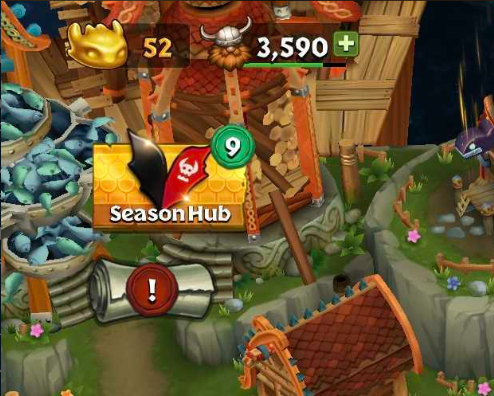
The Season Hub is your all-in-one destination for everything related to the currently ongoing Seasonal Event. You will find the button to access the Season Hub on the main screen, in the upper left hand corner (below your Viking count and above your Quest scroll). The button text will regularly swap to show the time remaining for the Seasonal Event.
In the Season Hub, you can navigate the tabs to access Gobber's Duties, the Season Pass, the Seasonal Market, and your Seasonal Collections. Note that any tab that requires your attention (such as a reward ready to be claimed) will show a green notification icon with a number corresponding to how many things need to be claimed or seen. The time remaining in the season will be shown at the top of the Season Hub.
Note that when you first open the Season Hub at the start of a new Seasonal Event, you will receive a pop-up alerting you that a new season has started, along with what's new. Similarly, when 7 days remain for the season, you will receive a pop-up alerting you that the season is almost over, so be sure to trade in your Season Currency before it is over.
Please note that between Seasons there might be a Season Cool Down period for a small period of time, when only Gobber's Duties without Pass Points are available.