
You can manage and upgrade your dragons by going to "My Dragons" in the Brawl menu.
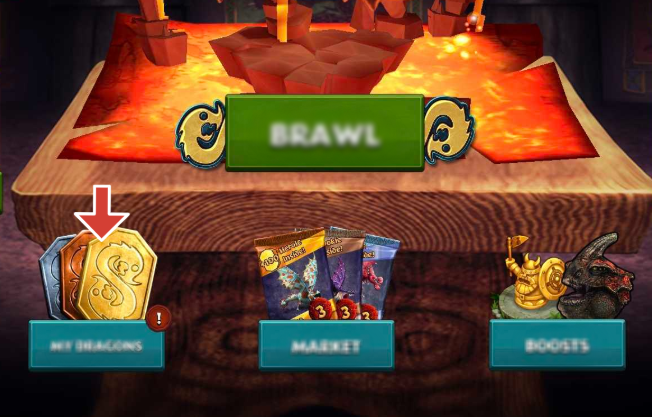
The My Dragons menu will show you all of the Brawl dragons you currently own and can use. You may tap on a dragon's card to view more info or upgrade it.
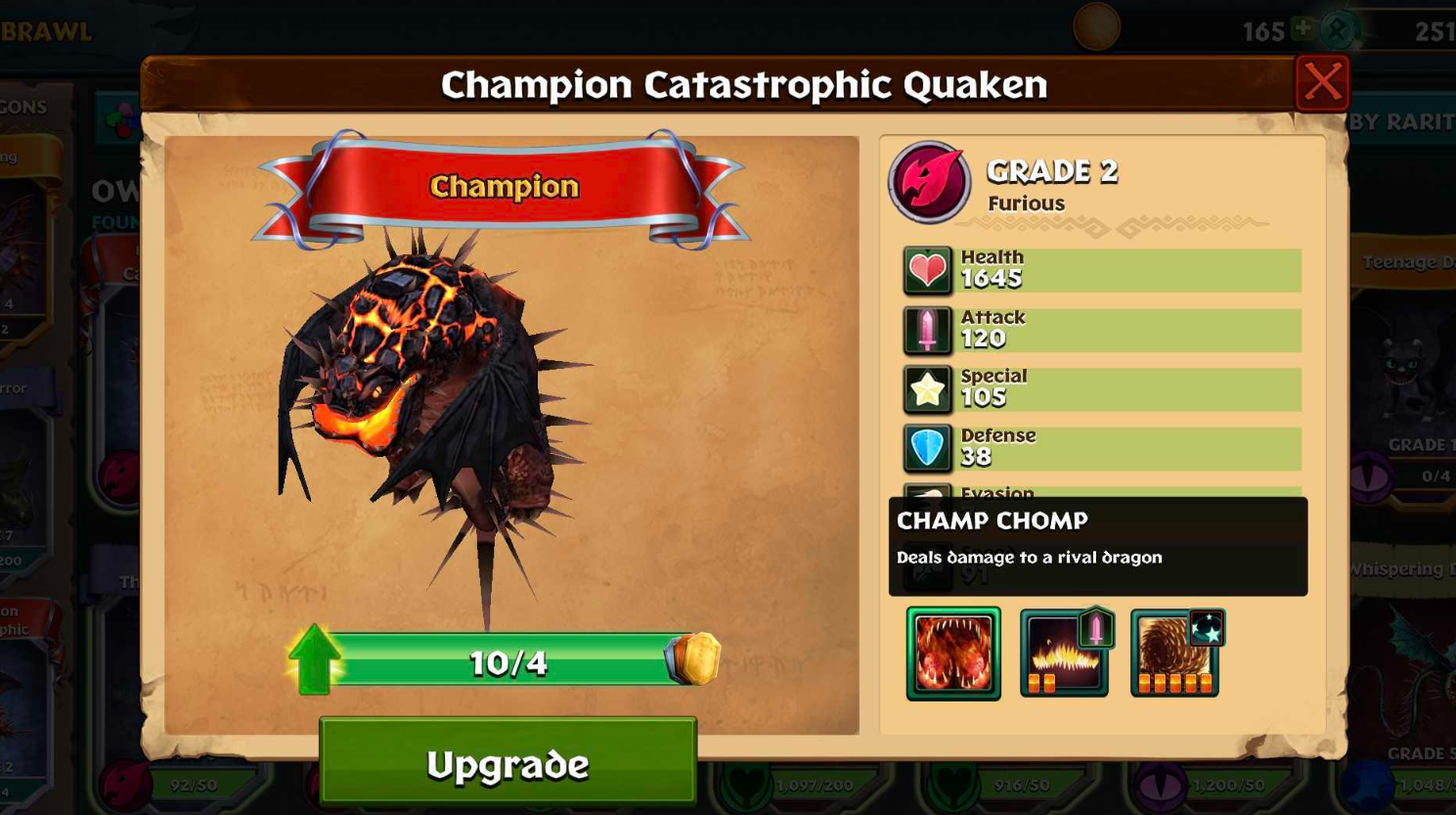
Info will show you more details on the dragon, such as type, stats (health, attack, special, defense, evasion, speed), abilities, and Tokens needed. You can tap on the abilities to learn more about what they do.
Upgrade will show you the same window but allow you to upgrade you dragon. In order to upgrade your dragon, you need to have enough Tokens, which is indicated by the number and progress bar on their card. You may also need to train your dragon to a specific level on Berk to continue upgrading them in Brawl. If you have enough tokens and your dragon is at the required level on Berk, you can tap on Upgrade below the progress bar to upgrade the dragon to the next Brawl grade, which will increase its stats.
Tokens can be obtained from the Brawl Market (individually or as packs), the Brawl Pass, earned from Token Packs gained by victories in Brawl, and from Card Packs and Token Packs that can be obtained from the Berk Market / Odin Market.
Keep in mind that you can earn Tokens for dragons you do not own yet. If a card in My Dragons says "get this dragon", instead of Upgrade or Info, it means that you need to own this dragon on Berk first in order to utilize it in Brawl. To view dragons you may not have access to yet in brawl, you can scroll to the right in My Dragons.